How to Add a Blog to Your Mighty Sites Website (Easy + AI Powered) [VIDEO]
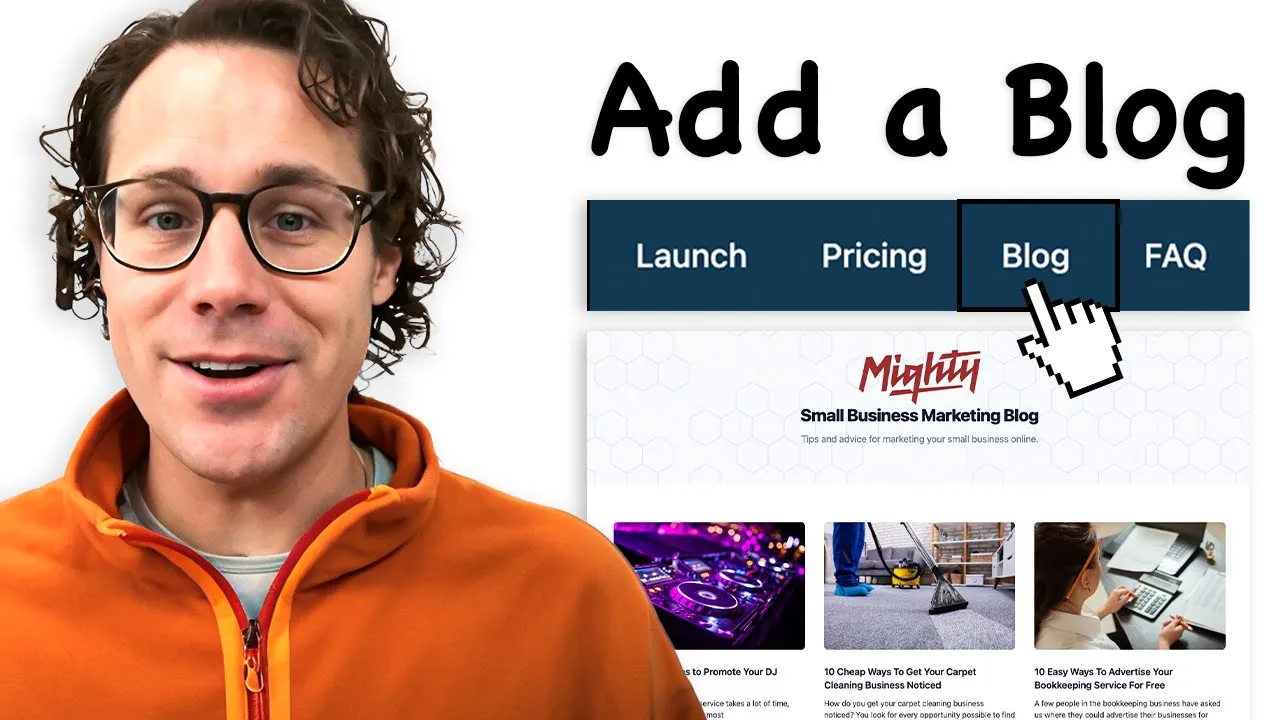
In this video, we break down how to add a professional blog to your small business website quickly and easily.
I’ll be using Mighty Sites, a super easy website builder for small businesses, and Elfsight, a widget tool that helps you add blogs to your site. Whether you’re building a website for a personal trainer, fitness coach, or any other business, this tutorial makes it quick, simple, and affordable.
Video Transcript
In this video, I'm going to show you how to add a blog to your small business website that's professional, has all different template options. It's super cheap. There's even free plans and ways to do it. What if AI could even help you generate posts that go into your blog? I'm going to show you all that right now, quick and easy. So, let's jump right in.
Let's just say you're building a website. I'm using Mighty Sites. I'll put the link down to it below. Mighty Sites is just a super easy small business website builder for those building a professional, simple informational website about their business. I'm pretending I'm building a page for a personal trainer. And let's just say that personal trainer wants to add a blog. I just added the blog to the site. And now I'm going to show you how easy this is to add the blog to the site.
First thing I'm going to do is go over here to Elfsight. And I'm putting the link to Mighty Sites. If you don't have a website, Mighty Sites is down below. It's only $9 a month to build a website for your business. And I'm going to put the link to Elfsight. Elfsight is how you integrate the blog widget. All I need to do is go over here to the blog widget. I'll put the link to this page. Elfsight has all these different widgets. They all work with the Mighty Sites platform.
All you do is go down to your blog widget that you want to create. And you pick a style. So they've got all different styles here for the blog. You can see they're super professional, well-designed, really cool. It just depends on what your business type is or what you're looking to have a blog about. I'm going to do fitness blog. So, I feel like that's perfect for this. I'm going to show you all the way through this video how to make it look like this and how to install it into your site once you're done. It's super easy to do.
What I'm going to do is select this widget version. I'm going to continue with this template and then I'm going to add to website for free. You can see now I've got my fitness blog and it actually already put these fitness blogs in here. I'm going to assume that you can probably just use those. But let's say that you want to add another post. What you do is create manually or generate with AI. Now, I'm just going to go over here and click on generate with AI and topic, say, workout tips, and then tone of voice, length, neutral. I'm going to generate the post now.
So now it's generating a post for me that I can add to my fitness blog. See, it's writing out this whole blog for me that's going to fit right into my already set up thing. You can see that it's even generating some images for me right here. So, let's let that load. Okay, super cool. So, now you can see AI just generated this blog right in my blog template. It's got photos, it's got information, it's got everything right here for me.
So now I can just go ahead and click on publish and that will be added to my blog template, which will also then be added to my website. Now I've got my new post added and it's added to my blog. Awesome. Now what I want to do is add this whole blog to my site, right? And I've got the template and you can see it also works really well on mobile. So it's going to look really nice.
Now all I have to do is click on install and copy this code. Once I copy this code, I'm going to go back to my Mighty Sites website. I'm going to click on update section because you see it's got Elfsight widget will appear here. I just paste this in and I'm going to save the widget and then update this section. Welcome to my fitness blog as your trusted personal trainer. Here's my cure advice. And then I could add in more text here introducing it. I could change the images, update the call to action. Nice call to action would be like, want personalized advice? And then I'll just put a link to, let's just go to my contact form on my website.
So I'm going to go to my lead form section of my Mighty Sites. Mighty Sites is super easy to use. That's why I like using it and it's only $9 a month. All right, so I did that. Now, I'm just going to get out of editing mode so you can see. So, welcome to my fitness blog advice. Want personalized advice? And then check this out. Now, I've got that blog right here on my site. See how professional that looks?
So, now I've got a professional blog right here on my website. Super easy to build this site with Mighty Sites. Look at this page. I just added it. Now, I've got a call to action to my lead form, which is super cool. Send them here to get in touch with me. If they want to read my articles now, they can just go right here and click on any article and it opens up super nice and professional with images and descriptions. Makes me look really professional. Gives me something I can use to send people to.
So, I would just copy this link and post it to social media, things like that. Now, if I go back over here, all I want to do if I want to add or write blogs, as I showed you before, I just go in here to this add post and I create or generate these posts with AI and it adds them to my section here.
If you have any questions, leave them in the comments below. Otherwise, you're all ready to get started adding a blog widget to your website to make it look nice and professional. As I said, Elfsight is free and cheap, so this is easy to do. Thanks so much for joining me. If you haven't tried Mighty Sites, there's a free trial. Click on the links down below. Don't forget to hit and subscribe so you get more great tips to help you build a better business website.