How to Add a Comments Section to Your Mighty Sites Website [VIDEO BLOG]
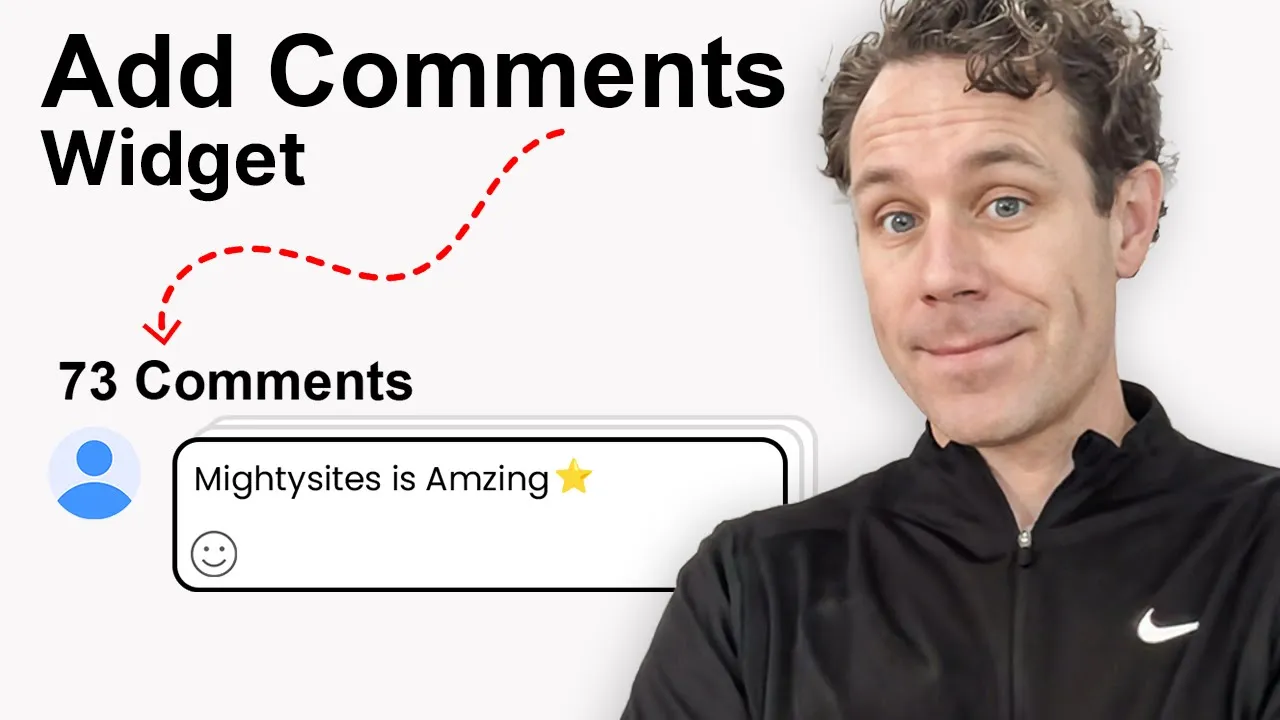
In this video, we break down how to add a comments widget to your website using Elfsight and Mighty Sites.
Engaging with your customers and prospects online is crucial—but if people land on your site with questions and can’t easily reach you, you risk losing them. That’s where Elfsight comes in.
Video Transcript
There's nothing better than creating engagement with your customers and prospective customers on the web. The problem is it's not always easy to do, especially if somebody's on your website and they have a question. Sometimes you just lose them and they go look someplace else cuz you're not giving them an option to talk to you.
That's why I'm going to show you how to easily add a comments widget to any page of your website. I'm building a website for a pest control business on Mighty Sites. If you're not familiar with Mighty Sites, it's only N bucks a month for building a website for your small business.
I built this FAQ page on my Mighty Sites website, but I know that people are going to have more questions than that. How can I add a comments area so people can ask me questions and I can respond? And how can I do that easy or cheap?
There's a company called Elfsight and Mighty Sites and Elfsight are partnered together to make it really easy for small businesses to build websites with a lot of features. The first thing I'm going to do is go over here to Elfsight, search for the comments widget. Elfsight is free at first up to a certain point and then it's paid after that, but the prices are really reasonable. I'm going to put the link below. I encourage you to check it out.
So, basically, all I do is go to this comments widget and I pick the template I want, whether I want light or I want dark. Let me look at my site just based on the design. I'll probably do light here cuz I think that'll look better. It'll kind of go with the white background of my site. Use this template and then new comment notifications. I'm going to leave every comment on. Here's my comment widget, which is great.
Now, let me go over here to theme. You can switch it again if you want to switch the templates. That's no problem. You can also change the look here. Like this one with the emojis. That looks a little bit more exciting. Once it's good to go, these are the demo comments that are in there. I can turn that off or on. I'm going to go over here and click on publish. Once that's done, click on this. I'm going to go click on install. I copy this code.
And then I go back over here to my Mighty Sites website. I go to the update section and you can see your Elfsight widgets will appear here. That's on every page. So whether you want to put your Facebook reviews, your YouTube gallery, whatever it is, you can always go and do this. I'm going to click on update section, paste in my Elfsight widget, click on save. Cool. Widget saved successfully.
Now I'm just going to click on stop editing mode. And now you're going to see under my FAQs section that I've got this comment here, right? So now people can sign in with Google or Facebook, which is great engagement on my site, great signals to the world that my site is active. So now if anybody has any additional questions, they can leave a comment right here below and comment right on my page. And I can add that to any page of my website that I want.
So it creates user engagement, lets people know you're listening and you care. They can engage with your website. And it's super easy, free, and then pretty cheap. It's like five or 10 bucks a month after that to add these types of widgets to your website to keep your customers engaged, relevant to your business, and turn them into leads.
If you like this video, hit like and subscribe. I'll put the links to Elfsight and to Mighty Sites below so you can build a professional website without breaking the bank that's going to help you drive leads for your small business.