How To Add a Photo Gallery To Your Mighty Sites Website [VIDEO]
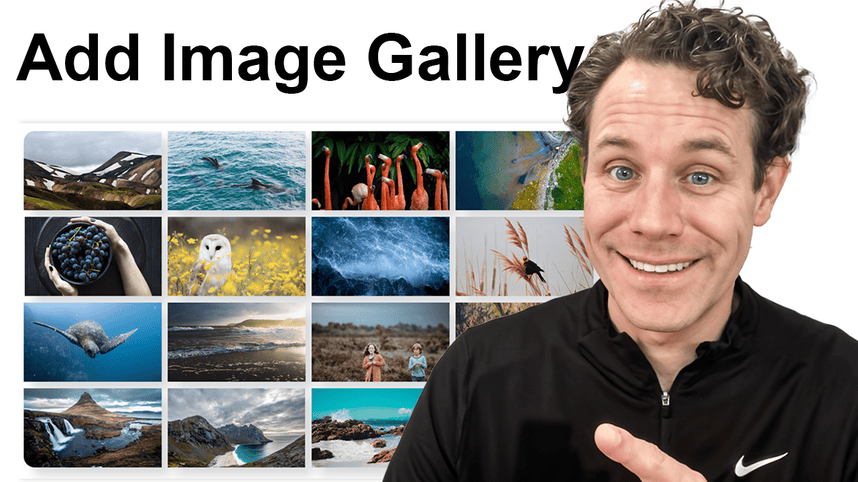
In this video, we break down how to easily add a photo gallery to your website using Elfsight—nothing easier, nothing more free!
If you’ve been wanting to showcase your business photos, product shots, or professional photography on your website, this is the easiest, code-free way to do it.
Video Transcript
There is nothing easier and more free. More free. Does that make sense? I'm not sure, but there's nothing easier and more free than adding a photo gallery widget to your website using Elfsight. That's exactly what I'm going to show you in this video. So, check it out. I'm on elfsight.com. I'll put the link to this down below so you can just find it right after this. Really easy, code-free way to add photo galleries to your website.
You can showcase whatever you want about your business. Photos from in your business. You can even add multiple photo galleries to your site to different pages of your site, or you can add the same gallery to several different pages. I'm going to show you how easy this is to do. Basically, they've got a free program. Now, if you start getting into a lot of usage, they do have a paid option, but many small businesses can get away just using the free version.
First of all, I'll show you how to do it in just a sec, but I want to show you first how it works. So, check this out. Here's what the photo gallery will actually look like on your website. So, you can see here's a photo gallery. I can click through and see the photos that have been added. Now, if I want to change how that looks and you're thinking something else, oh, you can also see what it looks like on mobile. So, a lot of your customers are going to come from mobile. So, you can see what it looks like there.
Now, if you want to switch the display to something else, it has all these different options. So, maybe you want to do a gallery of a whole bunch of different photos of your product. And that one's literally called product seller. So, that makes sense. Show a photo shoot, wedding photographer, where you want a really nice stylized kind of photo look here that you want to upload and add to your site. If you're an interior designer, this one is called interior designer. And there's the product photography template, which I really like this one, too. The big blocks of photos where you can put dates and titles or descriptions there, which is really nice.
So, whether you're a photographer or small business owner, and you want to add a photo gallery, this is awesome. All you do is create an account, and stick around because I'll show you how to add this to your website after. You create an account and you go in and you just upload your photos, right? So, really easy add photos. You can drag and drop. Really easy photo uploader tool here that you're obviously accustomed to.
And then you can go over here and click on the layout options. And this is where you can choose from all those different layouts that I showed you. So, you can even do custom, but let's just say I wanted it panoramic like that. That's a really nice experience. And think about the experience that you want your customers to have on mobile, too. You can do one big photo with all the thumbnails below. You can do this version where it all kind of filters together. You can do a grid version, and it depends on what size and how your photos look, too.
You can also reorder them here, so default or random order. You can add the photo info you want it to appear or not appear. You can choose to have the title and description there when you hover over or not. And then in the settings, you can open the photos, redirect to a link, all sorts of settings, and then styles, too. If you want to add backgrounds, if you want to do popups, change the text color. If you do want to do some custom coding, you can even do custom coding here for your site as well.
That is it. And once you are done, you just click on publish. So, there we go. Now I've published my photo gallery. And all I need to do is click on close. And here's my photo gallery. Now I'm going to click on install, and it's going to pop up with copy code here. So, I'm just going to copy the code now. And all I'm going to do is go over to my site. So, I use Mighty Sites. I'll put the link down below to Mighty Sites. It's only $9 a month for professional, easy-to-use website templates.
You can see here's just one I set up for a landscaper just to show and demonstrate this, but it's a really easy way to have a simple, professional few-page website for your business. Okay. All I'm going to do is go right here. I'm going to paste in the code. I'm going to save the widget right here. And once I'm done, I'm gonna stop editing mode. So just so you can see this landscaping page. Now I've got that beautiful gallery photo images on the website page that I want with Mighty Sites. It's only $9 a month. So you can build beautiful pages for your website like this with Elfsight widgets.
But that's it. That's how you add a photo gallery to your website. The easiest way, most free way to do it is using Elfsight. And then just in case you're wondering, if you do graduate, then it's only a few bucks a month. It's five or ten bucks a month to host these things if you do use more content or more widgets from Elfsight as well. So, I'll put the links down below so you can go ahead and add a photo gallery to your small business website. Thanks for joining me and hit that link, subscribe. Give Mighty Sites a try if you're building a website for your small business.