How to Add a Photo Gallery to Your Small Business Website [VIDEO]
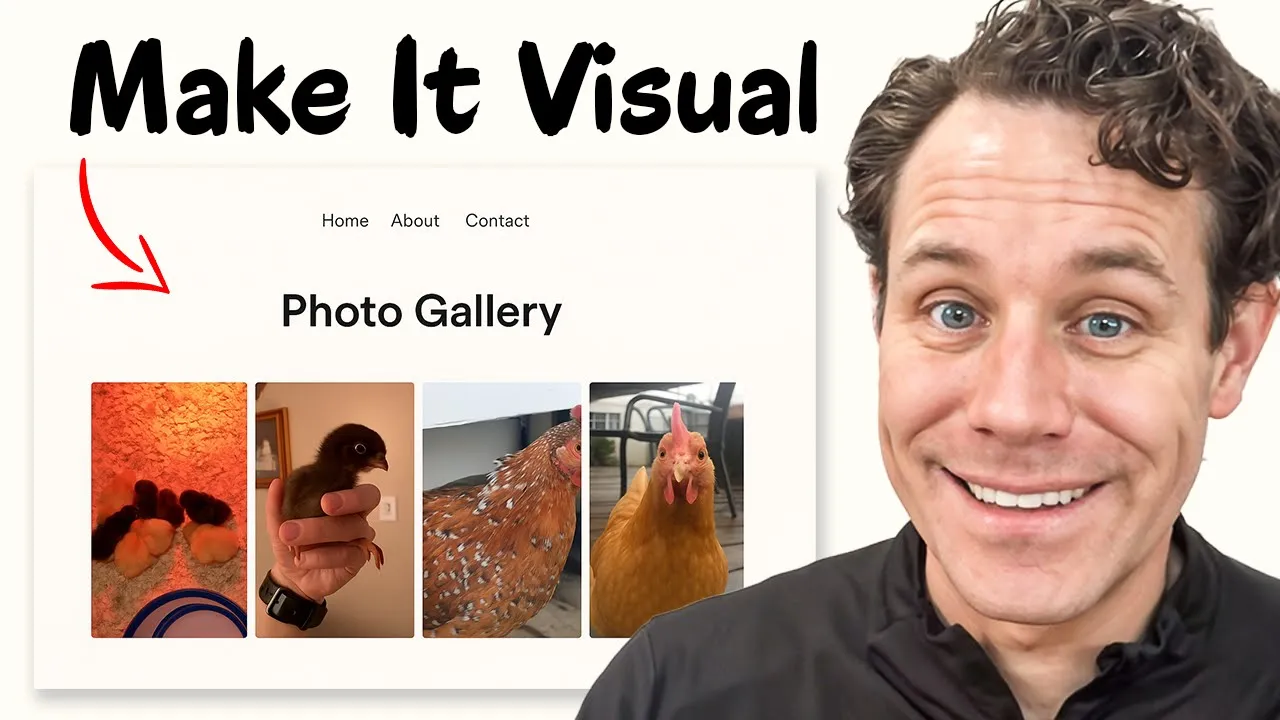
In this video, we break down the easiest way to add a photo gallery to your small business website — no coding required!
Whether you're a local shop owner, run a farm or feed store, or just want to display beautiful photos on your site, this step-by-step tutorial shows you exactly how to do it using Mighty Sites and Elfsight (referred to as "Elsite" in the video). Mighty Sites is a simple, professional website builder for just $9/month, perfect for small businesses. Elfsight offers a ton of free and affordable widgets like photo galleries, Google Maps, reviews, and more to make your site stand out.
Key Takeaways
-
Easily Add Photo Gallery:
The video demonstrates how to easily add a photo gallery to a small business website using Mighty Sites. -
Simple Website Builder:
Mighty Sites is a simple website builder tailored for small businesses, costing only $9/month. -
Photo Gallery Integration:
Elfsight widget offers free and affordable widgets—including a photo gallery widget.
Video Transcript
Are you looking for the easiest way to add a photo gallery to your website and to any page of your small business website? Great. That's exactly what I'm going to show you in this video. I'm going to show you using the Mighty Sites platform, but this can apply to other platforms, too. If you're not familiar with Mighty Sites, click on the link below. It's only $9 a month for a simple, professional small business website. Super easy to build.
Here is the website I built for a feed and farm store using Mighty Sites. Now, one of the things that they offer is they sell baby chicks, right? And so you can build all sorts of things in here, but I'm just going to go over to their baby chicks page and you can see chicks for sale. Now, wouldn't it be nice if we had some photos, like a photo gallery of their baby chicks? Absolutely.
So, I'm just going to go here in Mighty Sites to click on activate editing mode. And then when I do that, I'm going to have this little update section here that shows up. Now, Mighty Sites is super easy to use. If you're not familiar, you just click on update section and you can add actions, change the content, update the design, and all of that. But I'm going to go over here to update section for this. And it says this thing called Elfsight.
Now Elfsight is a company that has a ton of free tools. So I'll just go to elvessite.com that you can actually make your website really robust without any coding that you have to do. So you can add social widgets, all types of different things. Right now I'm going to use the photo gallery. So I have an account set up and you can see that I have a Google Maps widget, Google reviews, and a photo gallery.
All you do to add a new one is click on add new app and you select the one you want. And their pricing is super cheap. They have a free plan just depending on how many widgets you want to create. So, it's really great for small business. Now, I'm going to go over here to edit my photo gallery. And I've got some photos here, but I want to add photos that are more of my baby chicks. So, I actually just downloaded some.
So, I'm just going to grab some of these from this store of baby chicks and chickens. I'm going to open them up right here. And you're going to see that these seven new photos are loading into my photo gallery widget. So, they've loaded here. And now, check out all these baby chicks and chickens that they sell. And then I've got some photos from inside the store and chicken feed and stuff like that, too.
Now, if I prefer a different layout, I can play around with all types of different things. So, I can do a gallery, vertical gallery, I can do thumbnails underneath, I can do horizontal gallery, all but it's really whatever you want. I'll just stick with the carousel for now. Now I just click on publish and my changes were published.
So now I'm going to go here to close and I just click on install. So I click here on install and then all I have to do and you can see it works with other platforms too but for Mighty Sites is click on copy the code there and then I go right over here and I paste in the code and then I click save and then I can close it.
Now there's a link down below to Elfsight so you can go right to this and get started. But now I just click on stop editing. And now look at how nice my page looks. I've got chicks for sale. And then I chose the carousel. So here's my photos from our store gallery with pictures from the store of baby chicks and some other things that I added to pictures of the store and stuff. And I can add a whole bunch of photos to that and have a really nice gallery on my chicks page.
And I just built that. Simple, straightforward, and easy. Mighty sites again is only $9 a month. And then Elfsight is free or like $5 to $10 a month just depending on what widgets you want to use. If you're interested in either platform, click on the link below, give them a try. They all have free trials. And I'll catch you in the next video. Thanks so much for joining me.